
Streaks, Streaks Workout and Hexiled have all been updated for iPhone Duo.
iPhone Duo is the first foldable iPhone, and with two displays and a hinge it brings some new challenges. This article shows some of the new features we've brought to these apps by adding support for iPhone Duo.
What's Different About iPhone Duo
For us, there were four main differences from other iPhones:
- Two displays. The cover display is a little squarer than a normal iPhone, and the inner display is close to an iPad mini.
- Rotation. Even in folded mode people expect your app to work in all orientations, so an app that only works in portrait looks out of place.
- The vertical bar. When the Duo is open, the system puts toolbar controls in a bar down the side of the screen instead of along the top and bottom.
- Seated mode. Half-fold the Duo and stand it on a table, and you have two halves: one tilted towards you, and one lying flat.
Streaks
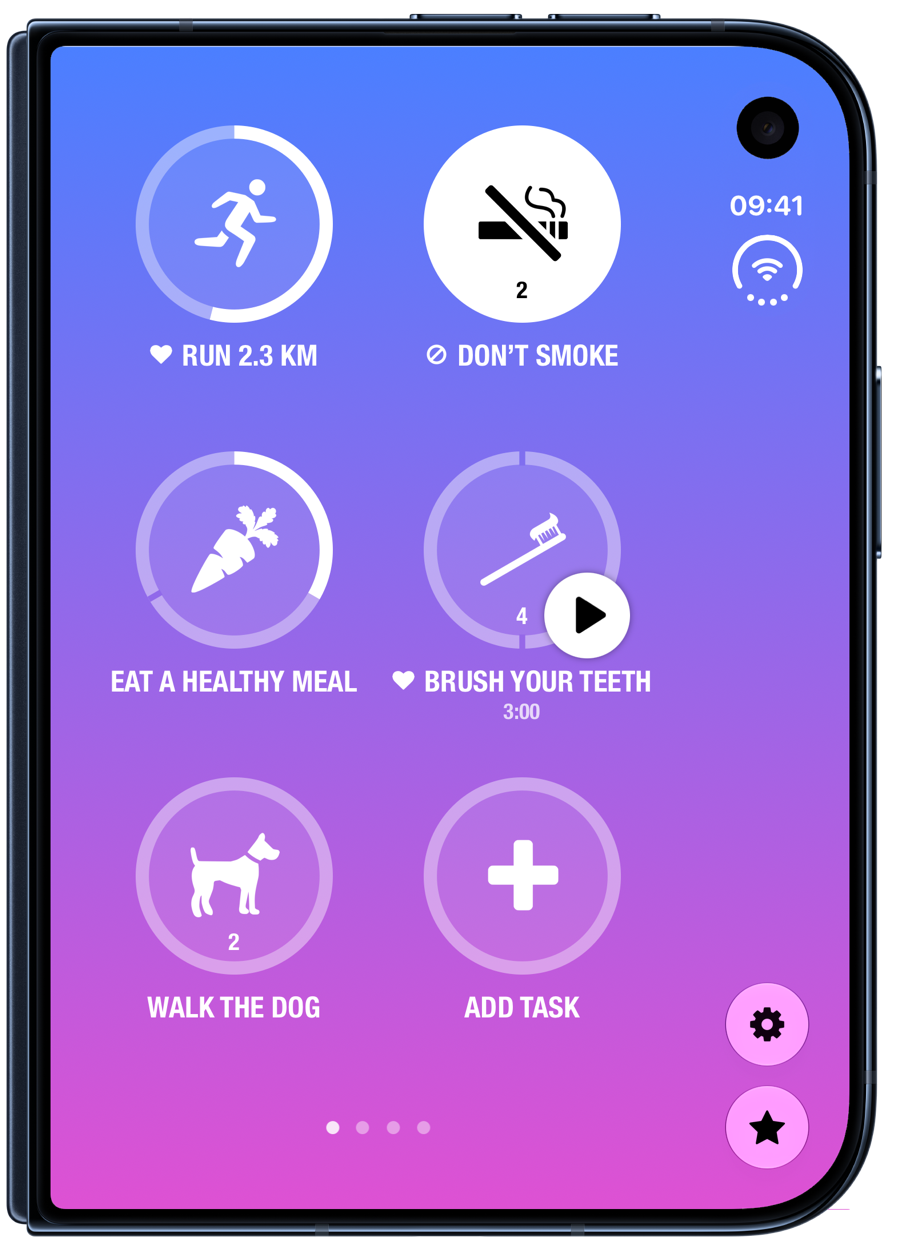
Moving Controls Into The Vertical Bar
The biggest change was the toolbars. Streaks has always had its own buttons along the bottom of the main screen, such as Settings and Charts. To ensure proper compatibility and to give users the experience they expect, we had to rewrite our footer buttons and settings bars.
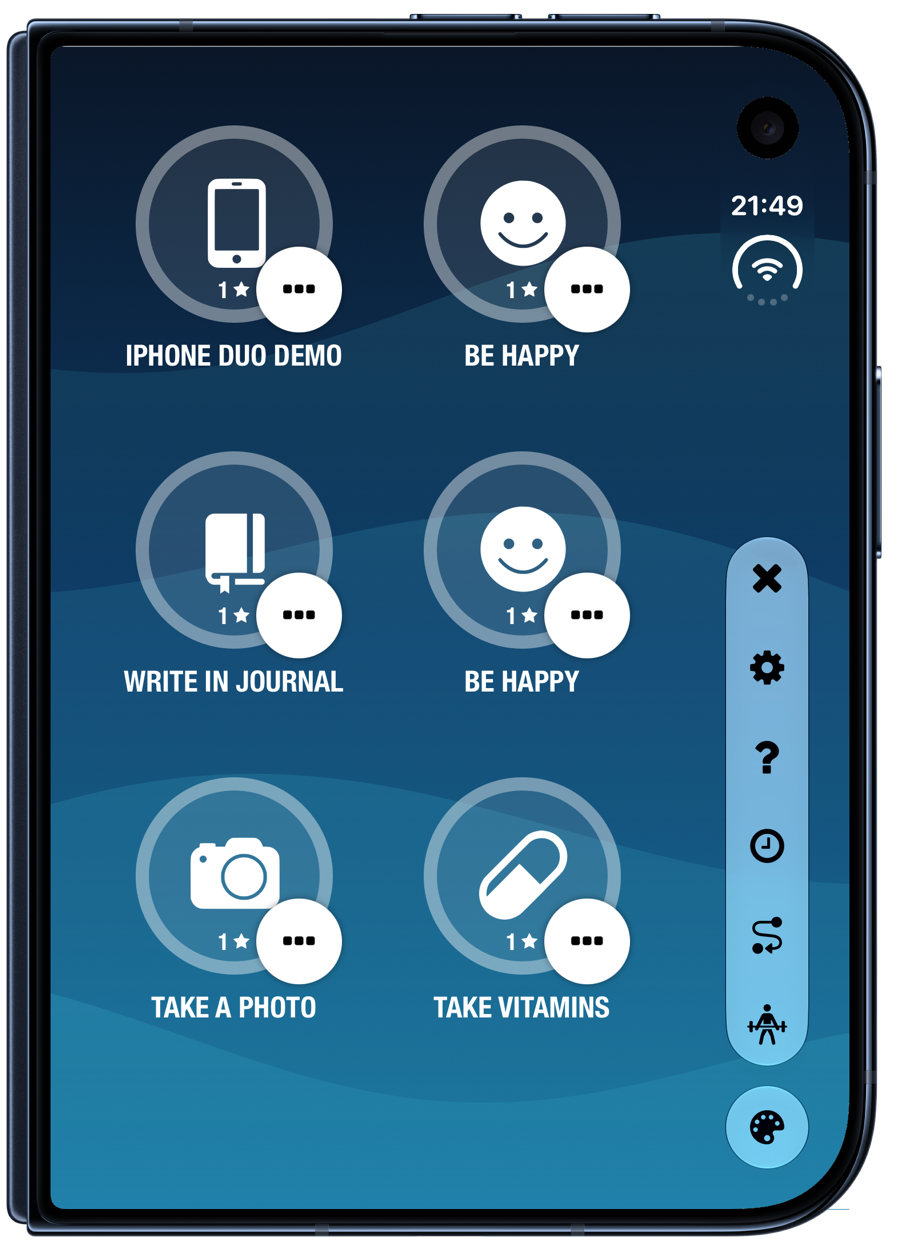
Our Settings bar and theme picker now work great with the vertical toolbar, and it feels super natural. We tried leaving our custom bars at the bottom and it just didn't feel right with this device.
Streaks Workout
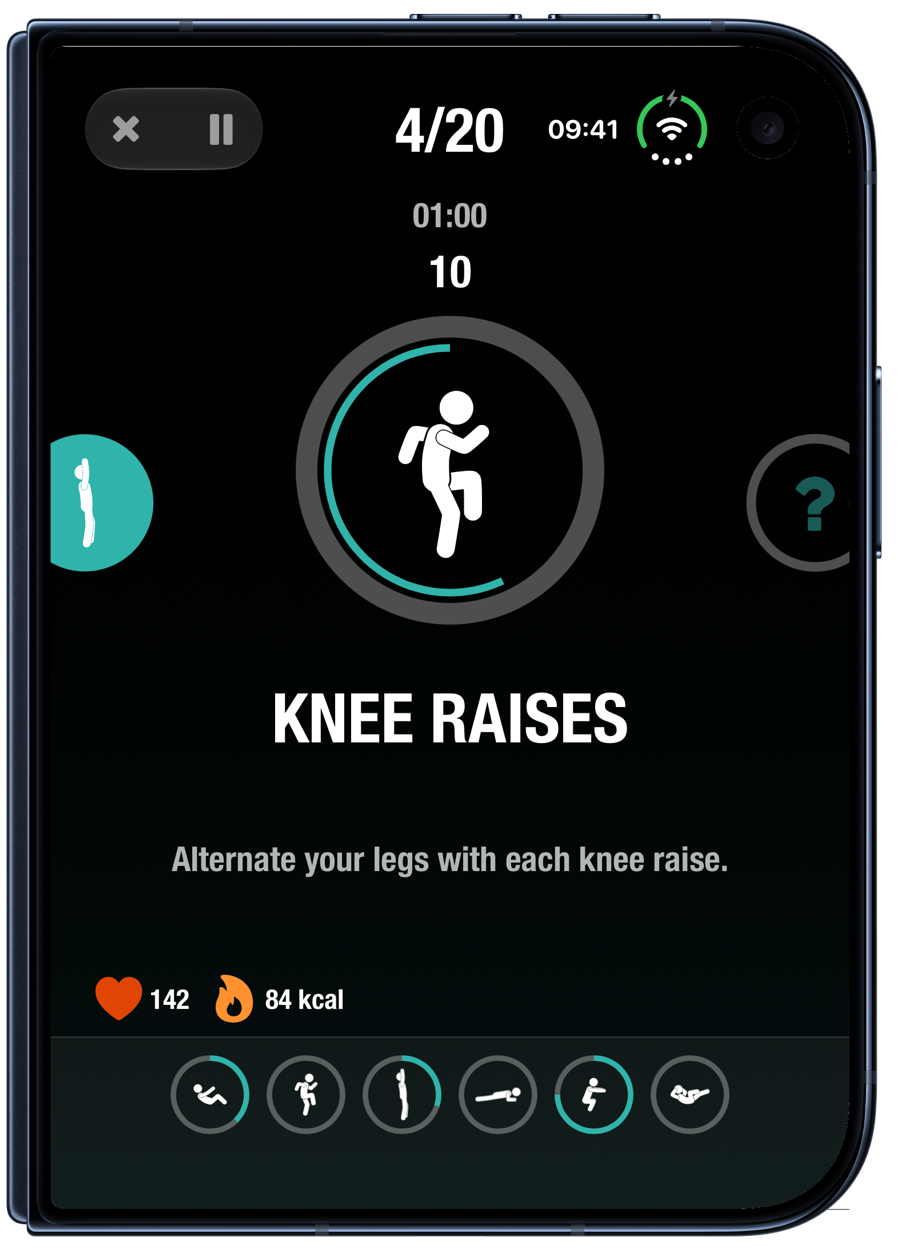
While not a huge change for the app in folded mode, again we had to ensure our toolbars during a workout played nicely.
We tried experimenting with the vertical bar but all the content felt misaligned, unlike Streaks, so for this app it seemed right to turn off the vertical toolbar.
Seated Mode
This is our favourite change. Half-fold your Duo during a workout and stand it up on the floor or a table, and the workout splits across the two halves:
- Top half: the exercise ring and what to do next, so you can see it from across the room.
- Bottom half: a large timer, your set count, and your heart rate and energy at twice their normal size.
The close and pause buttons move to the bottom of the flat half, where your hands are.
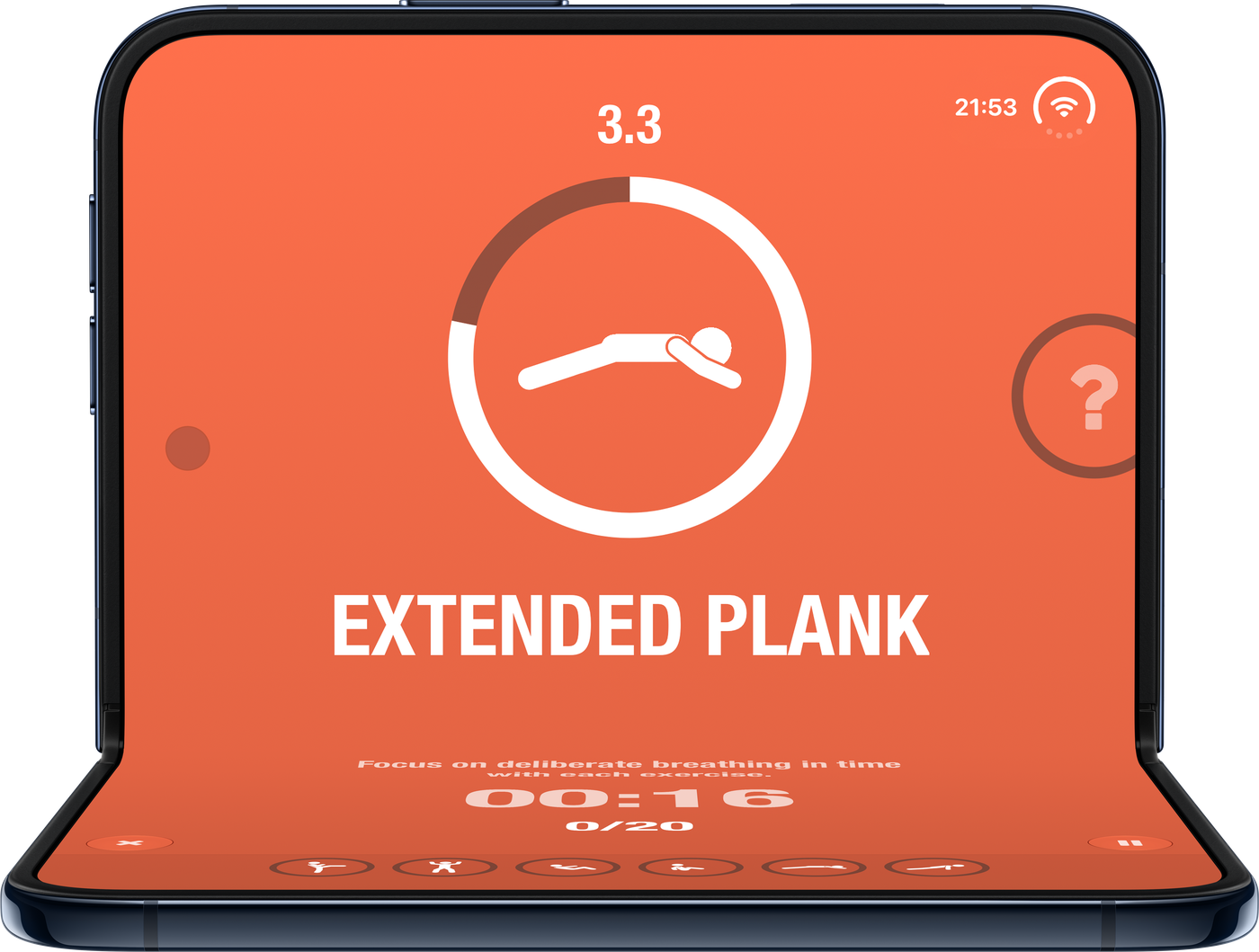
Many users place their phone on the ground during a workout and it can be tricky to see the exercise: with seated mode, propping up the current exercise animation is super easy.
Hexiled
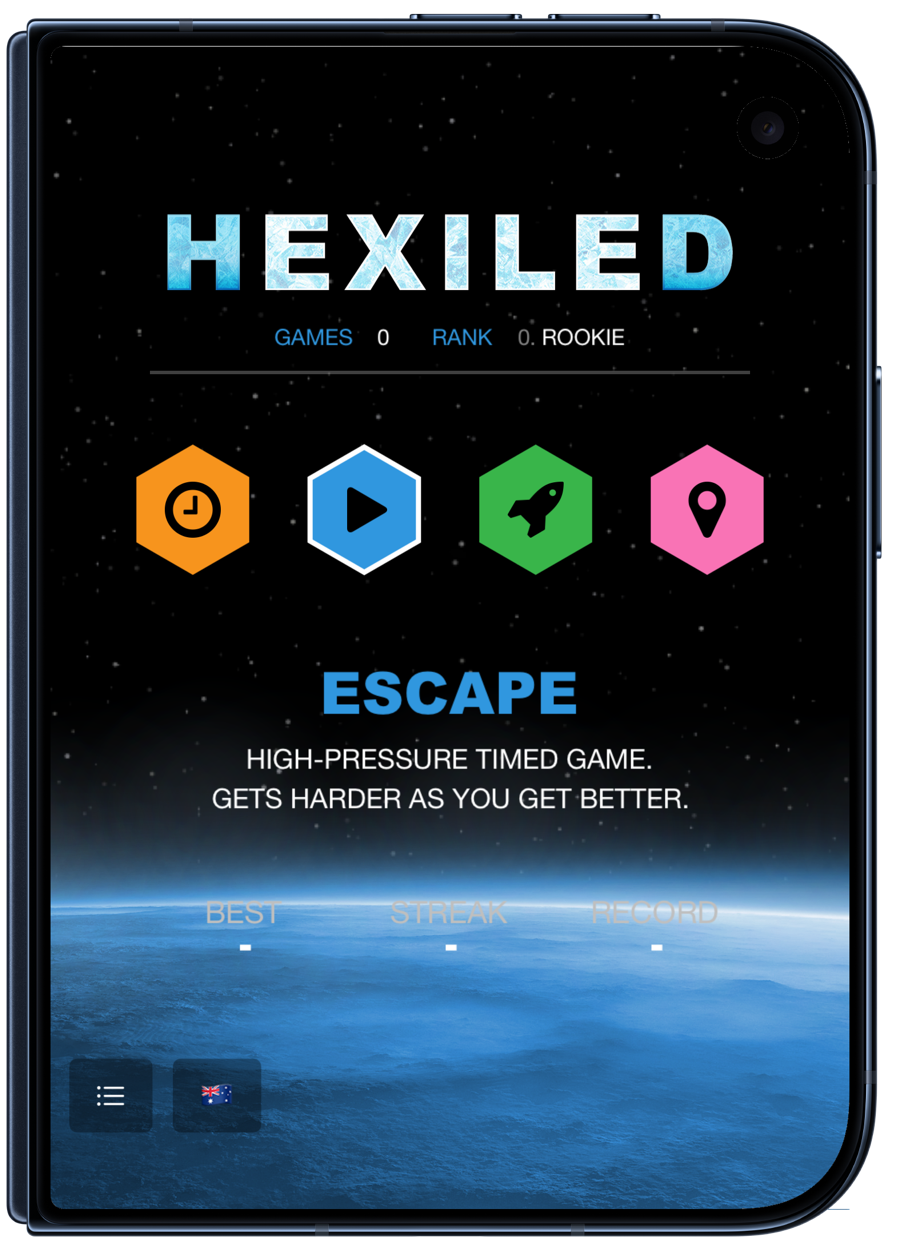
In Hexiled, we added a completely new experience when in seated mode, and it was definitely the most fun to build. The board sits on the flat half, where you tap, and the tilted half becomes a window into space:
- Timer and score at the top.
- The word you're spelling appears as a constellation.
- Accepted words drift away as star clusters, and long words leave a comet.
This mode wouldn't make sense on regular "slab" iPhones or iPads since you want to maximise the game board, but when the Duo is half-folded it's difficult to make words anyway, so this is a much better use of space.
The main menu splits too: game modes on the flat half, and the description, difficulty and your stats on the tilted half. When the game ends, "You escaped" appears large on the tilted half.
Escape mode in iPhone Duo seated mode
More Information
Our iPhone Duo updates for all of our apps are now available in the App Store.